Every Sorcery: Contested Realm player ends up at curiosa.io within their first week. Build a deck, look up a card, check what someone else is playing — the site does all of it, for free, and it's where the entire community converges.
What's unusual is how it got there. Curiosa wasn't a project the publisher started; it was a fan tool that the publisher bought. This piece is a tour of what curiosa.io actually is, who built it, and the handful of flows worth knowing before you spend any real time with it.
What Curiosa actually is
Plain-English: a free web app that holds the full Sorcery card database, lets you build and share decks, tracks what you own, and exports any deck directly into the official Tabletop Simulator mod so you can play it online.
It is not curiosa.com, which is a different scanning app. It has nothing to do with Curio Cards — the extremely rare chase pulls that show up in booster packs. Same root word, no relationship.
Who built it
Curiosa was started by a community member named Reuben — known on the Sorcery Discord as @flyinglemu — during the closed pre-alpha playtesting period. By the time the game launched publicly, his site was already the most useful deckbuilder in the ecosystem.
On December 17, 2022, publisher Erik's Curiosa Limited acquired the platform, and Reuben joined the company. The site has stayed free since the acquisition, the URL didn't move, and most of the community didn't notice the handover — by design.
That's worth pausing on, because it isn't how this usually goes. Most TCGs end up with a stand-off between the publisher and a third-party tool: Magic has Moxfield, Hearthstone has HSReplay, the publisher tries to compete with their own app and the community keeps using the third-party one anyway. Sorcery's publisher just folded the tool in.
Browsing the card library
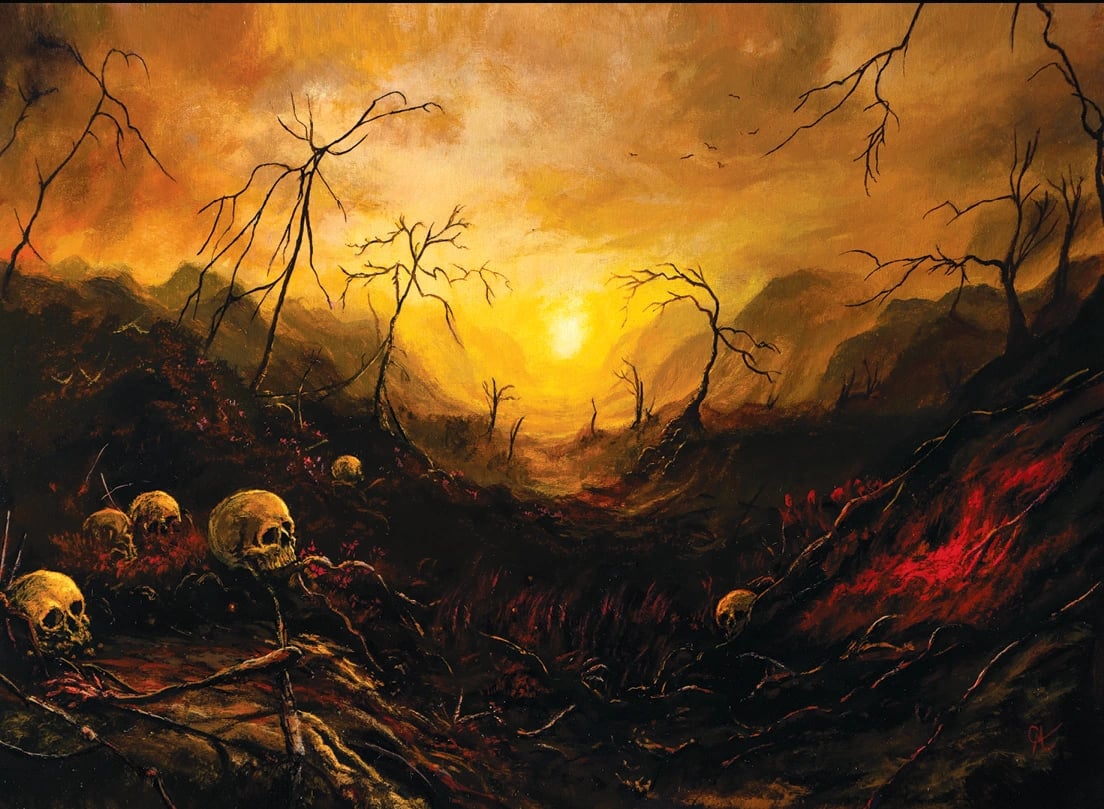
Cursed Land card art banner — via Curiosa.io
The /cards page is the canonical reference for "does this card exist." Every card across every set, filterable by element, mana cost, type, set, rarity, and free text. Worth knowing the sort options — sorting by popularity will surface what the meta is actually playing, which is often more useful than alphabetical when you're building.
If you only ever use Curiosa for one thing, it's this: when someone on Discord mentions a card name and you can't remember what it does, search it here.
Building a deck

Curiosa.io decks browser — via Curiosa.io
Three entry points:
- Start from scratch. New deck, pick an element, drag in cards.
- Clone a community deck. Find someone else's list, click clone, edit from there.
- Open a preconstructed list. Every official precon (Prophets of Doom, Arthurian boxes, the Beta starter elemental decks) is in the database — open one, see exactly what's inside, modify if you want.
Decks have a mainboard and a sideboard, plus a "primer" field — a long-form write-up where the builder explains the strategy. Good primers are how the meta gets transmitted. The social layer (likes, follows) helps surface the lists that are actually being played and updated, rather than the ones someone built two patches ago and abandoned.
Exporting to Tabletop Simulator
This is the killer feature. Any public Curiosa deck has a URL; paste that URL into the official Sorcery Tabletop Simulator mod, and the mod spawns the full deck (and sideboard) in the right zones, ready to play.
What that means in practice: you can test any list against any opponent without owning a single physical card. You can draft on TTS in a structured league, you can play Sealed without cracking real packs, you can scrim against someone in a different country. The TTS mod itself is maintained by Erik's Curiosa, includes Sealed and Draft formats, and supports the same expansions the paper game does — usually within a couple of weeks of paper release.
If you're new to the game and not sure whether to invest in product, this is how you find out: build a deck on Curiosa, export to TTS, play a few matches.
Collection tracking and PDFs
Two smaller features that are easy to miss:
- Collection tracker — digitally mark what you own. Tied to the deckbuilder, so it'll tell you when you're trying to play a card you don't have.
- PDF checklists — downloadable A4 and US Letter set lists, for analog tracking or stocktaking a binder. Useful before a long trip.
Neither is essential, both are nice to have once you start collecting beyond a single starter deck.
Why it became the default
Three reasons, in order:
- It was already there and good when the public launch happened. No transition cost.
- The publisher absorbed it instead of competing, which kept the community on one tool.
- The TTS bridge turned it from a deckbuilder into the on-ramp for online play.
Honest caveat: Curiosa's UI shows its origins as a hobby project. Search and filtering work, but the layout isn't beautiful. Mobile is functional rather than polished. Performance on slow connections is okay, not great. None of this is a real blocker — it's a tool, not a magazine — but if you're coming from Moxfield, the polish gap is visible.
What's next
There's a public API used by third-party tools — CardDig, various deck-tracking bots, the directory's own search index pulls from it. Post-acquisition, the team has shipped trending decks, achievements, the primer system, and the follow graph. The roadmap isn't published, but the trajectory has been more community and social features, plus parity with each new paper release.
Where to go from here
- curiosa.io — the site itself; bookmark
/cardsand/decks. - Sorcery TTS Mod — the official Tabletop Simulator mod for online play.
- Sorcery Discord — where flyinglemu (Reuben) is still active, along with the rest of the community building lists worth cloning. The directory's Community Spaces section lists the other servers where deck talk actually happens.
- This directory's Deckbuilders & Tools section lists Curiosa alongside the smaller third-party tools that orbit it.
Sources
- Curiosa.io — site itself, and the source for every image in this article
- Erik's Curiosa announcement of the Curiosa acquisition — December 17, 2022
- Official Sorcery Tabletop Simulator mod